
Payment Links vs. Checkout Pages: When to Use Which
4 Min
November 4, 2026
Author:
Garry
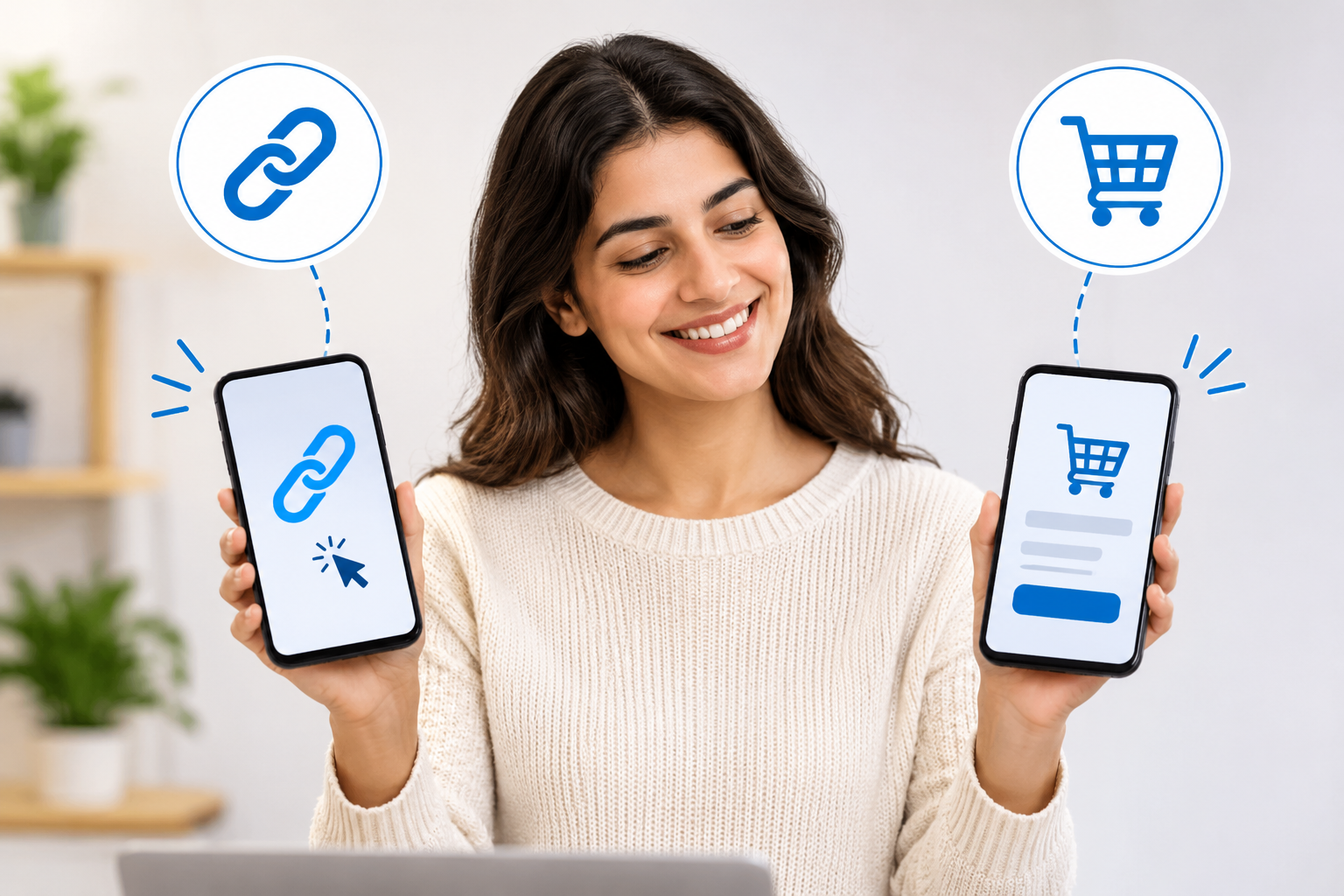

For businesses operating online, payment links and checkout pages both help businesses accept online payments. However, payment links and checkout pages serve different needs.
Businesses can use a payment link to collect payments through a shareable URL. A checkout page is usually part of a website or app’s purchase process. Businesses choose one of them based on how customers buy, where they interact, and how much control they need over the payment experience.
At times, businesses use a combination of both payment links and checkout pages for accepting online payments.
In this post, we will discuss the difference between payment links and checkout pages, compare their features, and show when each option makes sense.
What Are Payment Links?
A payment link is a well-structured URL that directs a customer to a payment page using a dedicated payment links solution. Businesses can create the link. These links are generated through a payment provider, and businesses can share them via email, messaging apps, social media, invoices, or other channels.
When a customer opens the link, enters the required payment details, and completes the transaction. In many cases, the business doesn’t need a website or a custom checkout integration to start accepting online payments.
This payment method is particularly useful for businesses that sell through conversations, invoices, or channels outside a traditional online store. Further, the setup process for this payment method is usually straightforward:
- Create a payment link through the payment provider.
- Share the link with the customer.
- Customer opens the hosted payment page.
- Customer selects an available payment method and enters the required details.
- Payment provider processes the transaction and sends a confirmation.
What are the benefits of payment links for businesses?
- Quick setup: Businesses can often create payment links without building a checkout page or integrating payment APIs.
- Flexible sharing: Links can be sent through email, SMS, messaging apps, social media, and invoices.
- Useful for remote sales: A salesperson can send a link after a call or conversation, allowing the customer to pay without navigating a website.
- Lower technical requirements: Payment links can help small businesses and teams with limited development resources start collecting payments.
- Suitable for one-off payments: They work well for deposits, service fees, invoices, and individual purchases.
A company which is going to use payment links must realize that they will not provide as many possibilities for customization compared to integrated checkouts. Customers also need to switch from the original public network, chat or other communication channel to pay the funds.
What Are Checkout Pages?
The checkout page is an essential payment feature used across numerous ecommerce websites, booking platforms, and businesses using e-commerce payment solutions. Basically, it is a step in an online buying process, and customers find themselves there after choosing their product or service. When users get to the checkout page, they can see information regarding their order, delivery, taxes and discounts, as well as payment methods used.
At the same time, it is important to remember that the payment pages can be integrated into the business’s website or mobile application or can be hosted by third-party payment providers. A custom checkout will give the business more control over the payment process.
What are the benefits of checkout pages for businesses?
- Connected buying experience: Customers can move from product selection to payment within the same website or app.
- More customization: Businesses may control page design, branding, fields, and the order in which customers complete steps.
- Order context: Checkout can show product details, quantities, shipping costs, taxes, and discounts before payment.
- Integration with business systems: A checkout page can connect with ecommerce platforms, customer databases, inventory tools, and subscription systems.
- Support for recurring purchases: Integrated checkout can help customers select subscription plans and provide the details needed for recurring billing.
Compared to payment links, checkout pages require more setup. Further, the setup becomes more complex when the business needs a custom integration. Additionally, they also need to be maintained as the website, payment methods, and customer requirements change.
Payment Links vs. Checkout Pages: Key Differences
When Should Businesses Use Payment Links?
Both payment links and checkout pages serve a different kind of purpose for a business’s online payment acceptance needs. Payment links become a stronger option for businesses when they need to collect payments without building a full online purchase journey.
1. When You Sell Through Conversations
For businesses selling through sales calls, email, messaging apps, or social media, they may not need a traditional ecommerce checkout for every transaction. You can directly send a payment link after discussing a service or confirming an order. The customer can then pay directly through the link. It’s an ideal payment acceptance option for:
- Consultants and professional service providers
- Freelancers and agencies
- Coaches and tutors
- Businesses that take orders through social media
- Sales teams handling one-to-one customer requests
2. When You Need to Collect Deposits or One-Time Fees
By utilizing payment links, a company can make it easier for its customers to pay the required fees, like the deposit, booking fee, service fee, and other similar expenses. This link enables users to pay without requiring the company to set up a custom checkout for each transaction.
3. When You Send Invoices
Payment links can be a part of invoices and reminders. Customers will be able to click the link given on invoices and pay without needing to do a wire transfer or ask the business for any other payment methods beforehand. This approach could be right for companies that bill customers for completed jobs, retainers, and service fees agreed upon in freelance contracts.
4. When You Do Not Have a Website
The payment link is a method through which payment can be processed online by those businesses that do not possess a website. There is the possibility of sharing the link via various social networks, email and messaging applications or through other modes of communication with customers.
5. When You Want to Test a New Offer
Payment links are useful for businesses to experiment with products, services, or promotions before investing in full checkout systems. The business can send links to select customers, receive payments, and evaluate customer interest in the new offer. Afterwards, the company can implement the offer in its point-of-sale process after confirming its success.
When Should Businesses Use Checkout Pages?
Checkout pages offer various advantages for online businesses. They are generally better when customers follow a structured buying journey, and payment needs to connect with other business processes.
1. When You Run an Ecommerce Store
An online store needs to connect product selection with payment. Checkout pages can display the customer’s cart, delivery details, taxes, discounts, and final total. This helps customers review their purchases before paying. It also allows the business to connect payment status with order management and fulfillment.
2. When You Need a Consistent Branded Experience
A checkout page can be designed to match the business’s website or app. Depending on the integration, the business may control the layout, branding, fields, and payment steps. A consistent experience can help customers understand where they are in the purchase process. Further, the checkout pages may also reduce confusion when customers move from product pages to payment.
3. When Payments Depend on Order Details
Checkout pages are useful when the amount due depends on the customer’s selections or transaction details.
For example, a checkout may need to calculate:
- Product quantities and cart totals
- Delivery fees based on location
- Taxes based on the transaction
- Discounts or promotional codes
- Selected service options
The checkout can pass the relevant order information to the payment provider and the business’s systems. This reduces the need to manually create a separate payment link for each order.
4. When You Offer Subscriptions or Recurring Services
For businesses selling subscriptions may need customers to select a plan, enter account information, and agree to recurring payments. Using checkout pages, businesses can support this process by presenting plan details and collecting the required payment information. Further, this also connects to subscription management tools.
5. When You Need Payment and Order Data to Work Together
An integrated checkout can connect payment activity with systems such as:
- Ecommerce platforms
- Customer relationship management (CRM) tools
- Inventory management systems
- Booking or scheduling software
- Subscription management platforms
- Accounting and order management systems
Conclusion
While payment links and checkout pages provide similar functions when it comes to enabling online payments for organizations, they serve quite different functions. Payment links work when it comes to direct sales, invoices, deposits, and payments communicated through emails or messages.
On the other hand, checkout pages are meant for systematic purchases online that require order information and customization features, as well as integration into other systems of the company.
Many businesses can benefit from using both. The key is to match the payment method to the customer’s buying journey and the business’s operational needs.
PayFirmly helps businesses manage payment operations through a unified payment orchestration platform, with access to multiple payment providers and payment methods. Get in touch with PayFirmly to explore how a flexible payment setup can support your business.
FAQs
1. What is the main difference between payment links and checkout pages?
It is a URL that allows customers to make their payments at a particular payment page. Checkout Page: It is a page on the website or mobile app that is used in the process of purchase, and may include all the details about the order, customer as well as payment option.
2. Is a payment link the same as a checkout page?
No. A payment link refers to the URL through which a payment experience can be accessed. The payment link could take you to the hosted checkout page created by the payment provider. The checkout page could alternatively be embedded within a website, thus making the two related, but not the same.
3. Are payment links suitable for ecommerce businesses?
Yes. Ecommerce merchants can employ payment links to handle special orders, deposits, customer services payments, or transactions that are not done through their ecommerce store. Normal ecommerce transactions involving cart processing, shipping, taxes, and order management would work better on an integrated checkout page.
4. Do payment links require a website?
No. Payments links can be created by companies using payment providers that support them even when they don’t have a website. Customers will be redirected to the payment provider's payment gateway page and make their payments there.
5. Can I use payment links and checkout pages together?
Yes. Businesses have the ability to use checkout pages to make payments through their website or application and then use payment links to make payments for any other transactions like invoices, special orders, deposits, or even direct sales.
Other Related Articles
August 26, 2025
Top 9 Payment Processing KPIs High-Risk Merchants Must Track [2026]


Secure Crypto Payment Orchestration & Processor with PayFirmly
The future of adult payment processing is intelligent, compliant, and built around you.
Join leading adult brands using PayFirmly to boost approvals, cut fees, and simplify multi-processor management — all from one secure dashboard.
